03. Vue脚手架搭建
课程演示代码
https://pan.baidu.com/s/1IsFsMT8y1IhVQKvWFngmSw?pwd=t56j
Vue 起步(Vue2)
文档 https://v2.cn.vuejs.org/
语法
var example1 = new Vue({
  el: '#example-1',
  data: {
    counter: 0
  }
})
- {{ }} 变量、表达式渲染
- v-html html 模板,渲染 html
- v-model 绑定值(双向绑定)
- v-if v-else-if v-else 判断
- v-bind 简写 : 绑定属性
- v-on 简写 @ 事件绑定
- v-for 循环
- 动态 class style
下载软件 nodejs v16
安装 node & npm
npm 配置淘宝镜像:
**npm config set registry **http://registry.npm.taobao.org/
Vue 脚手架搭建
正式项目开启
**新建目录 **小白做毕设 2024
脚手架工具:https://cli.vuejs.org/zh/guide/
npm install -g @vue/cli

vue --version

// 进入目录小白做毕设2024
vue create vue
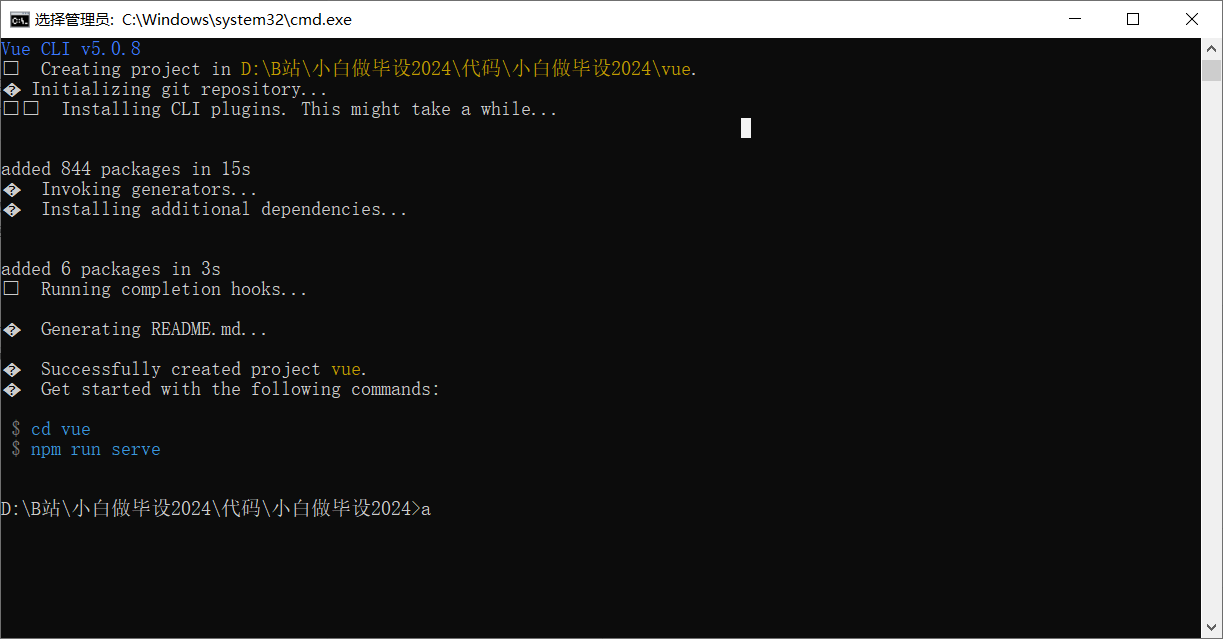
cd vue
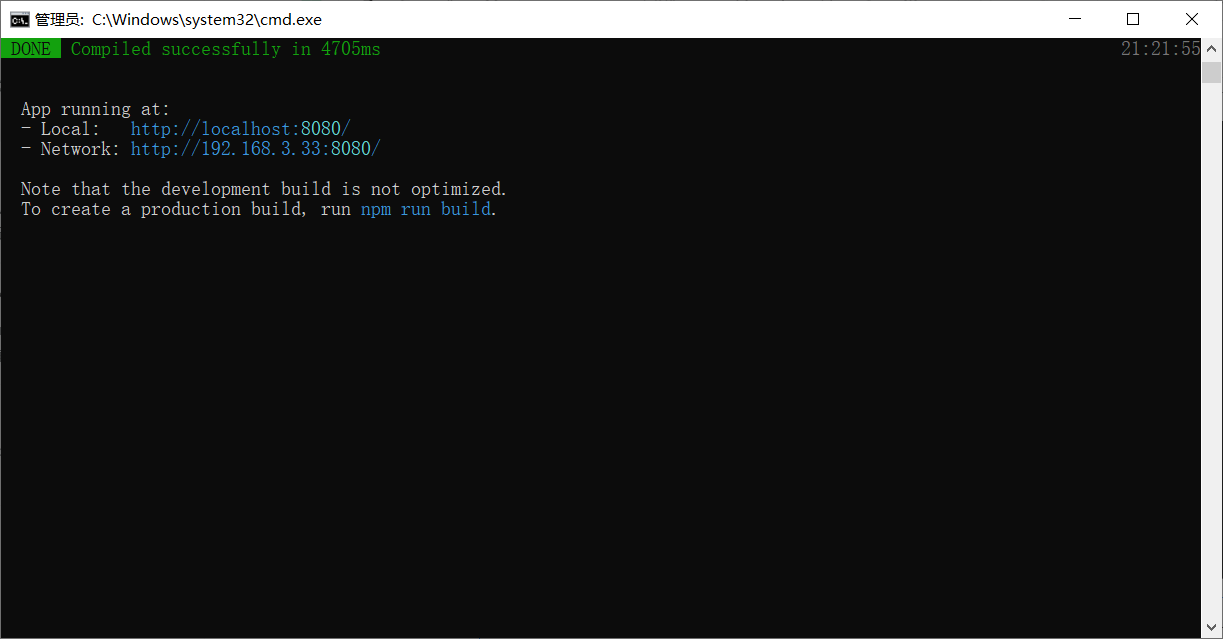
npm run serve
配置
vue.config.js
const { defineConfig } = require('@vue/cli-service')
module.exports = defineConfig({
  transpileDependencies: true,
  devServer: {
    port: 7000
  },
  chainWebpack: config =>{
    config.plugin('html')
        .tap(args => {
          args[0].title = "青哥哥好帅啊";
          return args;
        })
  }
})
App.vue
<template>
  <div id="app">
    <router-view/>
  </div>
</template>
HomeView.vue
<template>
  <div>
    主页
  </div>
</template>

<script>

export default {
  name: 'HomeView'
}
</script>
router.js
import Vue from 'vue'
import VueRouter from 'vue-router'

Vue.use(VueRouter)

const routes = [
  {
    path: '/',
    name: 'home',
    component: () => import('../views/HomeView.vue')
  }
]

const router = new VueRouter({
  mode: 'history',
  base: process.env.BASE_URL,
  routes
})

export default router
global.css
* {
    box-sizing: border-box;
}
body {
    color: #333;
    font-size: 14px;
    margin: 0;
    padding: 0;
}